01
Centralised inventory control
One admin system for property listings, inventory records and operational data, rather than the several disconnected ones they had.
Overview
Inventory House are inventory specialists for the residential lettings market. Their platform covers property work broadly; what they needed from us was narrower and sharper: an admin system for their own teams.
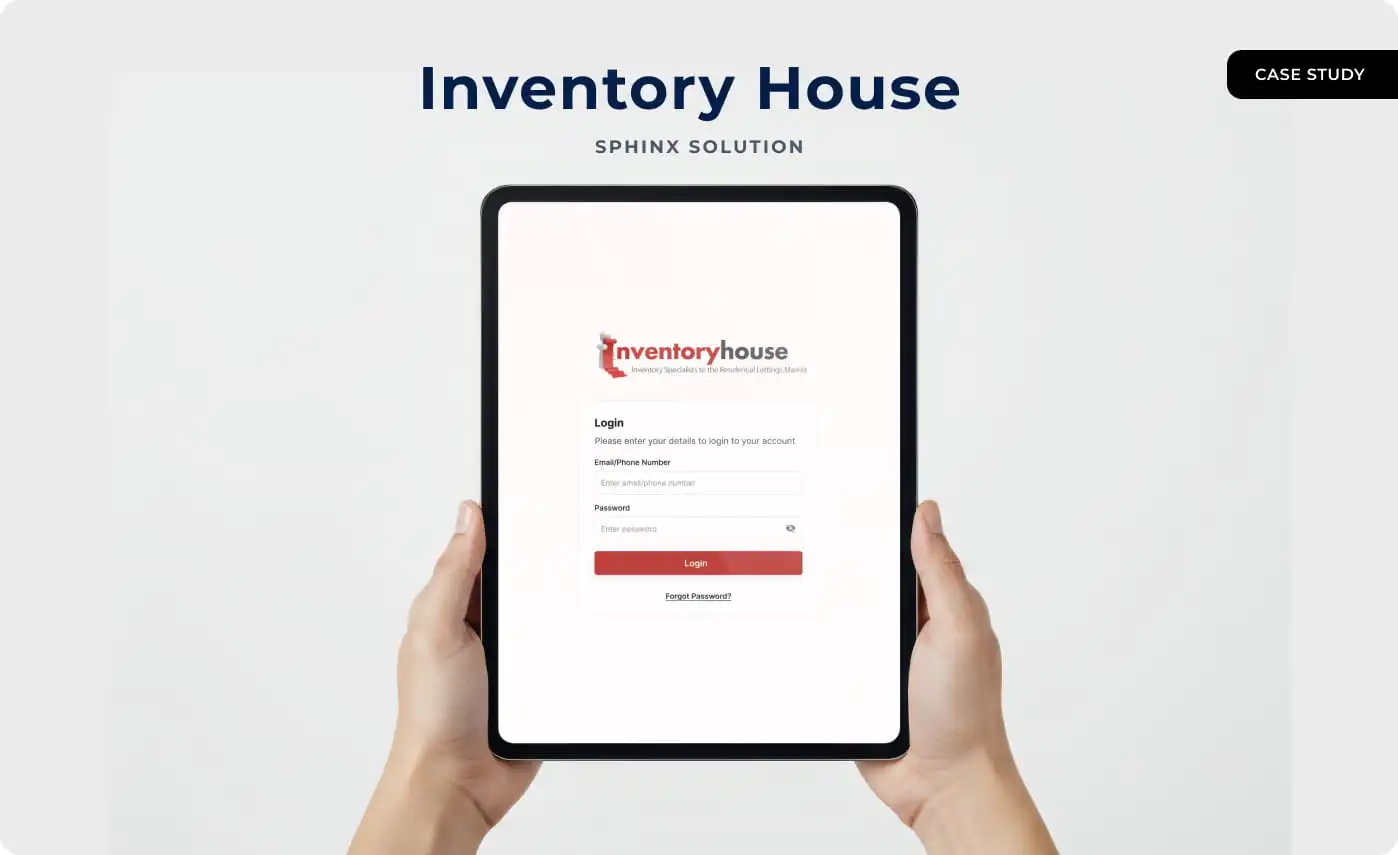
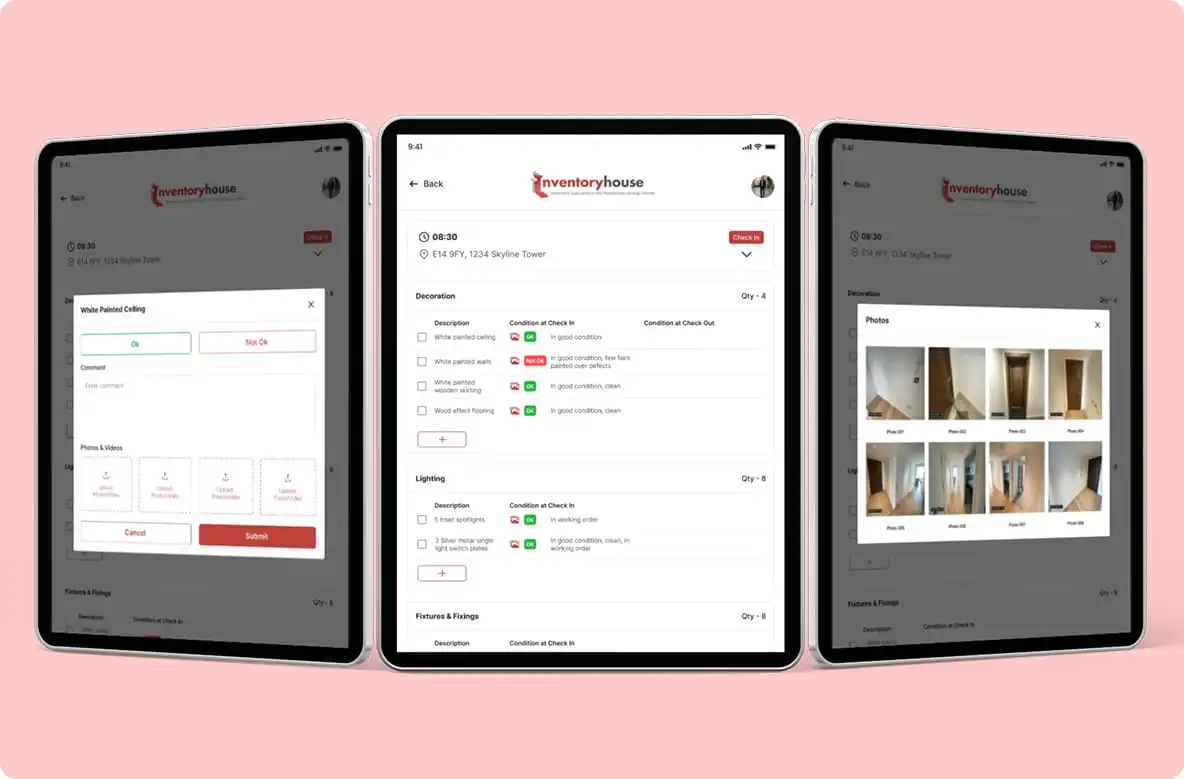
One organised interface for inventory data, property records and the daily operational procedures behind them, built for a tablet and built for use on site.
Every screen was planned around reducing manual effort. An inventory clerk standing in an empty flat does not want to navigate; they want the next item, a condition, a photograph and the next room.
That shaped the whole thing. Faster interactions, clearer data, and decisions that can be made while somebody is still at the property rather than back at a desk that evening.
What we delivered is a tablet-optimised admin platform that lets Inventory House manage properties and inventory with confidence, structured for the way the business actually grows.
Client Requirement
01
One admin system for property listings, inventory records and operational data, rather than the several disconnected ones they had.
02
Built for on-site teams and for touch, not a phone app stretched or a desktop app squeezed.
03
Permission-based access, because inventory and property records are sensitive and not everyone in a business needs all of them.
04
Data synced the moment it is captured. On a check-out report, a record that has not reached the system yet is a record that can be disputed.
05
A system that grows with the business rather than one that has to be replaced when it does.
06
Fewer steps, better visibility, faster decisions. The measure of an on-site tool is whether it is quicker than the clipboard it replaced.
Inventory House were managing property inventory across systems that did not talk to each other, with a lot of it done by hand. Records disagreed, updates arrived late, and nobody could see the real state of an inventory as it stood.
On site, where accurate data has to be available immediately, that is the worst place for a system to be slow.
Four specific things were going wrong. Inventory data was scattered, which caused errors at check-in and check-out. Meter readings taken by hand came back inconsistent or missing altogether.
Damage responsibility was unclear because there was no structured condition tracking to point at, which is exactly the gap that turns into a deposit dispute.
And the tools they had were not built for a tablet in somebody’s hands in an empty property, which is where this work actually happens.
We designed and delivered a tablet admin application that puts the whole inventory operation into one structured system, with accountability built into it rather than reconstructed afterwards.
Everything is logged as it happens. That is what makes the inventory reliable and, more to the point, traceable when somebody questions it.
Sphinx Solutions delivered a tablet-only admin application for Inventory House: check-in and check-out reporting with item-level condition tracking, meter readings and photo evidence, an audit trail behind it, and role-based access over real-time sync.
“Sphinx Solutions was a reliable partner throughout the development of the Inventory House admin application. Their team clearly understood our operational challenges and delivered a tablet-based solution that simplified check-in and check-out processes, inventory tracking, and damage accountability. The result is a stable and easy-to-use admin platform, and it has significantly improved how we manage property inventory daily.”

How We Work
Six stages, from working out what an on-site inventory team actually does to keeping the platform steady after launch.
Step 1
We worked through what a tablet-only admin tool had to do for property inventory control, and what it could safely leave out.
Step 2
A secure, scalable architecture planned around real-time data, because syncing as you capture is a design decision rather than a feature you add later.
Step 3
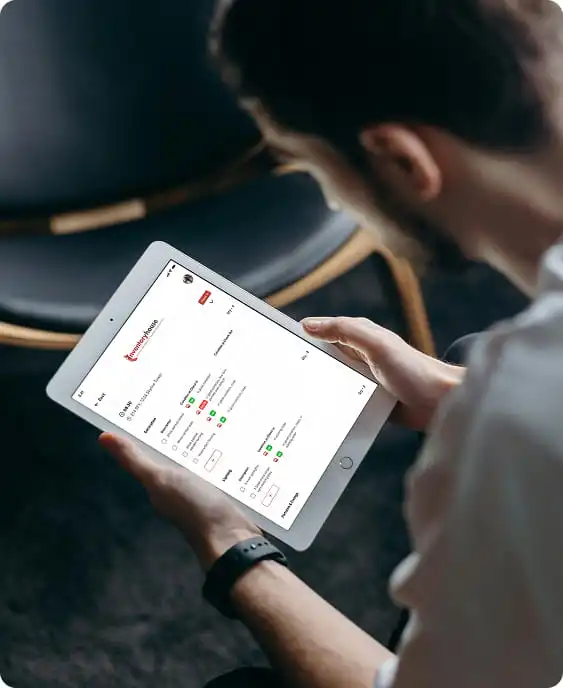
A clean, touch-friendly interface designed for a tablet held in one hand in a property, not adapted from a desktop layout.
Step 4
The admin features for inventory and property data built out: reports, condition logging, meter readings, photo capture and access control.
Step 5
Tested for performance, usability and data accuracy. On an evidence-gathering tool, an inaccurate record is worse than a slow one.
Step 6
Deployed and supported afterwards, with the stability and scalability work that keeps it usable as the business grows.
Implementation
The four pieces the build came down to.
We mapped the admin workflows first: check-in and check-out, condition tracking, meter readings and damage responsibility. The workflow is the product here, so getting it wrong would have automated the wrong thing.
A tablet-only admin app with touch-optimised screens, built for reliable performance in the places it gets used rather than in an office.
Synchronisation so inventory updates, property status and operational changes appear across the system as they are captured rather than on the next upload.
A backend with role-based access and organised data management, giving Inventory House control over daily operations and room to expand.
Impact
Real-time tracking and a structured report cut the errors that came from records being written down in one place and typed up in another.
Centralised workflows and touch-first navigation made the routine work quicker, which on a job measured in properties per day is the whole game.
Clear damage responsibility and audit logs improved visibility and trust, and give the business something to point at when a deposit is disputed.
Consistent performance and room to grow, so the system supports more properties without being rebuilt.
Tech stack
In closing
The Inventory House project turned a scattered, largely manual property inventory operation into one tablet-based admin system. Check-in and check-out, meter readings, condition tracking and damage accountability all live in the same place and are captured where the work happens.
Underneath it sits a scalable, secure admin platform built around real-world property workflows, and the audit trail that makes an inventory report worth something when it is challenged.
What people usually ask about Inventory House and about building something like it.
A tablet-only admin application that handles property inventory, check-in and check-out, meter readings and damage tracking from one place.
Screen space. An inventory report is a long structured list with photographs against each line, and on a phone that becomes scrolling and mis-taps. A tablet held in one hand at the property is the right shape for the job, which is why it was built for that and nothing else.
Yes. Inventory status, meter readings and condition updates sync as they are captured, so what is recorded at the property is immediately what the office sees.
It records the condition of each item at check-in and again at check-out, with photographs and comments against them. That produces an audit trail showing what changed and when, which is what settles a dispute rather than prolonging it.
Yes, and the pattern generalises beyond lettings. Any operation where somebody has to capture structured evidence on site, sync it reliably and be able to prove later what was recorded, has the same shape. Tell us the workflow and we will tell you what it takes.
Connect with us


